

Currently Empty: USD$0.00
Uncategorized
SQL Interview Questions for Freshers
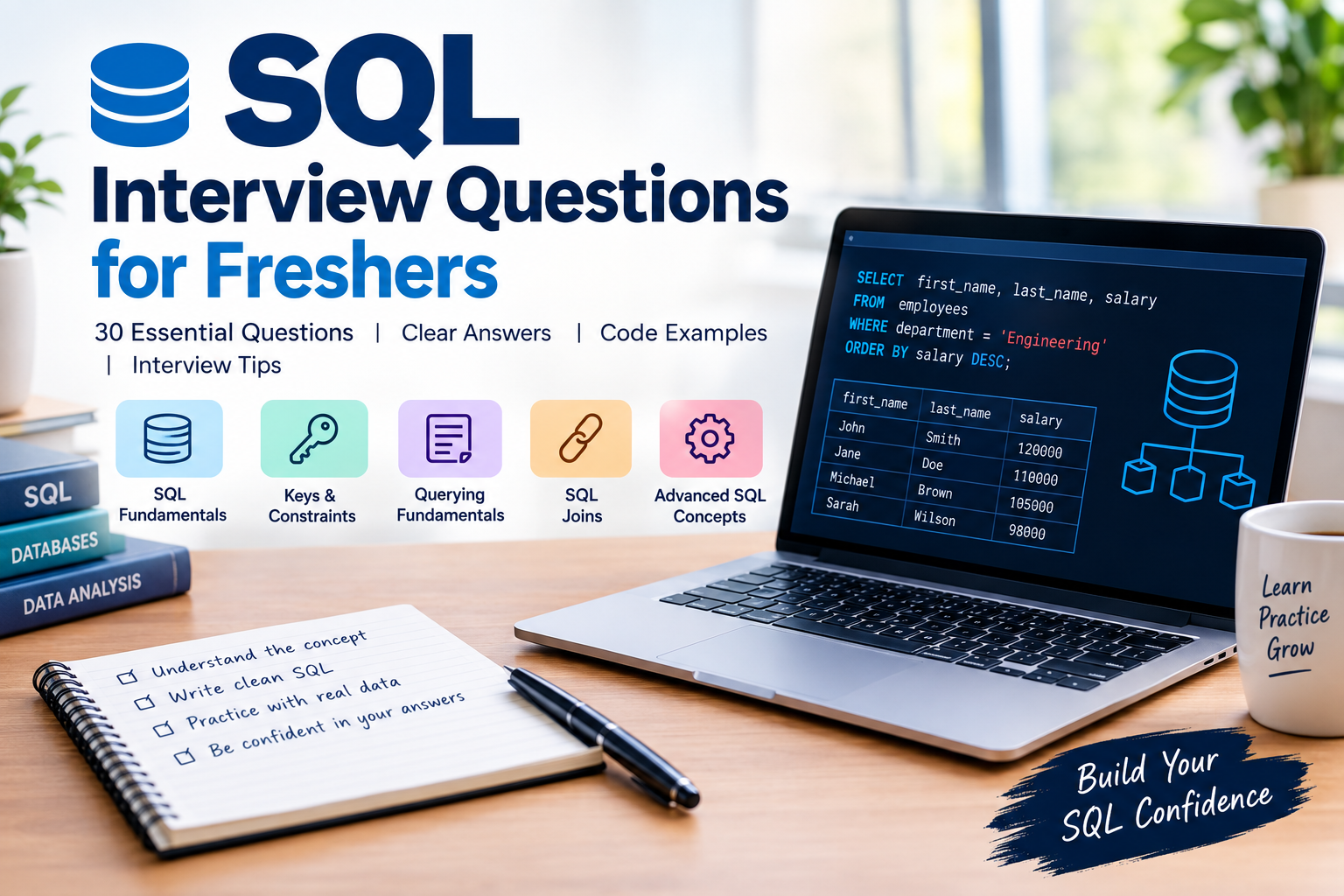
SQL (Structured Query Language) is one of the most in-demand technical skills for data analysts, business intelligence developers, backend engineers, and data scientists. In virtually every technical interview for a data-related role, SQL questions will appear.
This guide covers 30 essential SQL interview questions for freshers, organised into five categories. Each question includes a clear answer, code examples where applicable, and practical interview tips to help you stand out.
Categories covered:
- SQL Fundamentals
- Keys and Constraints
- Querying Fundamentals
- SQL Joins
- Advanced SQL Concepts
Category 1: SQL Fundamentals
Q1. What is SQL and why is it important?
SQL is a standardised programming language for managing and querying relational databases. It lets users create, read, update, and delete structured data stored in tables.
SQL is important because virtually every industry stores core operational data in relational databases. The ability to query and analyse that data makes SQL one of the most universally valuable technical skills across all business roles.
SELECT first_name, last_name, salary
FROM employees
WHERE department = ‘Engineering’
ORDER BY salary DESC;
Pro Tip: SQL is a declarative language. You describe what data you want, not how to get it. Mentioning this shows conceptual depth in an interview.
Q2. What are the different types of SQL commands?
SQL commands are grouped into four main categories:
| Type | Full Name | Purpose | Key Commands |
| DDL | Data Definition Language | Defines database structure | CREATE, ALTER, DROP, TRUNCATE |
| DML | Data Manipulation Language | Manipulates data | SELECT, INSERT, UPDATE, DELETE |
| DCL | Data Control Language | Controls permissions | GRANT, REVOKE |
| TCL | Transaction Control Language | Manages transactions | COMMIT, ROLLBACK, SAVEPOINT |
Q3. What is the difference between SQL and MySQL?
SQL is a language, a standard for interacting with relational databases. MySQL is a database management system (DBMS), software that implements the SQL language.
Analogy: SQL is like the English language, while MySQL is a specific publication written in English. Other publications (PostgreSQL, Oracle, SQL Server) also use the same language but with their own extensions.
Pro Tip: Interviewers use this question to test conceptual clarity. Keep it concise: SQL is the language, MySQL is the software.
Q4. What is the difference between a Database and a DBMS?
A Database is an organised collection of structured data stored electronically. A DBMS (Database Management System) is the software that manages the database, handling storage, retrieval, security, and concurrency.
Think of a database as the filing cabinet full of folders, and the DBMS as the entire filing system including the rules for organising and accessing those folders.
Q5. What are common SQL data types?
| Category | Data Type | Example Use |
| Numeric | INT | Age, ID, quantity |
| Numeric | DECIMAL(p,s) | Price, salary |
| String | VARCHAR(n) | Names, emails (variable length) |
| String | CHAR(n) | Fixed codes such as country codes |
| Date/Time | DATE | Birthdays, order dates |
| Date/Time | DATETIME | Timestamps with time |
| Other | BOOLEAN | is_active, is_deleted flags |
| Other | TEXT | Long descriptions, content |
Q6. What is the difference between CHAR and VARCHAR?
CHAR(n) is a fixed-length string type. It always uses exactly n bytes, padding shorter strings with spaces. Best for data with consistent length, like country codes.
VARCHAR(n) is a variable-length string type. It only uses as much space as the actual string, up to a maximum of n characters. Best for names, emails, and descriptions where length varies.
Pro Tip: Memory aid: CHAR is chiselled in stone (fixed). VARCHAR is a variable rubber band that stretches to fit the content.
Category 2: Keys and Constraints
Q7. What is a Primary Key?
A Primary Key is a column (or combination of columns) that uniquely identifies each row in a table. It must be unique and NOT NULL. A table can only have one primary key, though it may span multiple columns (a composite primary key).
CREATE TABLE employees (
employee_id INT PRIMARY KEY,
name VARCHAR(100),
email VARCHAR(255)
);
Q8. What is a Foreign Key?
A Foreign Key is a column in one table that creates a link to the primary key in another table. It enforces referential integrity, ensuring that a value in the child table must exist in the parent table.
CREATE TABLE employees (
emp_id INT PRIMARY KEY,
dept_id INT,
FOREIGN KEY (dept_id) REFERENCES departments(dept_id)
);
Pro Tip: Foreign keys prevent orphan records. If dept_id = 5 does not exist in departments, the database rejects any insert into employees with that value.
Q9. Primary Key vs Unique Key: what is the difference?
| Feature | Primary Key | Unique Key |
| Uniqueness | Required | Required |
| NULL values | Not allowed | One NULL allowed per column |
| Count per table | Only one | Multiple allowed |
| Index type | Clustered | Non-clustered |
| Purpose | Row identifier | Enforce uniqueness on any column |
Q10. What is Normalisation? Explain 1NF, 2NF, and 3NF.
Normalisation is the process of organising a database to reduce data redundancy and improve data integrity. It involves dividing large tables into smaller related tables.
| Normal Form | Rule | Eliminates |
| 1NF | Each column contains atomic (indivisible) values. No repeating groups. | Multi-valued cells |
| 2NF | Meets 1NF. Every non-key attribute depends on the entire primary key. | Partial dependencies |
| 3NF | Meets 2NF. No transitive dependencies between non-key columns. | Transitive dependencies |
Pro Tip: Memory aid: Every non-key attribute must depend on the key, the whole key, and nothing but the key.
Q11. What are SQL Constraints?
Constraints are rules applied to columns to enforce data integrity:
- PRIMARY KEY: uniquely identifies each row, cannot be null
- UNIQUE: ensures no duplicate values in a column
- NOT NULL: prevents null values from being inserted
- CHECK: enforces a condition (e.g., age >= 18)
- DEFAULT: assigns a default value when none is provided
- FOREIGN KEY: enforces referential integrity between tables
Category 3: Querying Fundamentals
Q12. What is the difference between WHERE and HAVING?
WHERE filters individual rows before any grouping or aggregation occurs. It cannot be used with aggregate functions.
HAVING filters groups after GROUP BY has been applied. It is designed to work with aggregate functions like COUNT(), SUM(), and AVG().
— WHERE filters rows before grouping
SELECT department, AVG(salary) AS avg_salary
FROM employees
WHERE age > 25
GROUP BY department;
— HAVING filters after aggregation
SELECT department, AVG(salary) AS avg_salary
FROM employees
GROUP BY department
HAVING AVG(salary) > 60000;
Pro Tip: One of the most frequently tested concepts. Key phrase: WHERE filters rows, HAVING filters groups.
Q13. What does GROUP BY do? How does it differ from ORDER BY?
GROUP BY collapses multiple rows that share the same value into a single summary row. It is used with aggregate functions to compute statistics per group.
ORDER BY sorts the result set by one or more columns in ascending or descending order. It does not change row count, only their sequence.
Q14. What does DISTINCT do?
DISTINCT eliminates duplicate rows from the query result, returning only unique combinations of the selected columns.
— Returns each department only once
SELECT DISTINCT department FROM employees;
Pro Tip: DISTINCT adds overhead because the database must sort and compare all rows. On large tables, consider GROUP BY as an alternative when you also need aggregates.
Q15. What is the difference between DELETE, TRUNCATE, and DROP?
| Feature | DELETE | TRUNCATE | DROP |
| Category | DML | DDL | DDL |
| Removes | Specific rows | All rows | Entire table |
| WHERE clause | Supported | Not supported | Not applicable |
| Rollback | Yes | Generally no | No |
| Table structure | Remains | Remains | Deleted |
| Speed | Slower | Faster | Fastest |
Q16. What is NULL in SQL? How do you handle it?
NULL represents the absence of a value. It is not the same as zero, an empty string, or false. NULL cannot be compared using = or !=; use IS NULL or IS NOT NULL instead.
— Correct way to check for NULL
SELECT * FROM employees WHERE manager_id IS NULL;
— COALESCE returns the first non-null value
SELECT name, COALESCE(phone, email, ‘No contact’) AS contact
FROM employees;
Q17. What are Aggregate Functions?
Aggregate functions perform calculations on a set of rows and return a single result. The five main aggregate functions are:
- COUNT(*) – counts all rows including nulls
- COUNT(column) – counts only non-null values in that column
- SUM(column) – total of all values
- AVG(column) – average value
- MIN(column) and MAX(column) – smallest and largest values
Pro Tip: COUNT(*) vs COUNT(column) is a classic trick question. COUNT(*) includes NULLs; COUNT(column) does not.
Category 4: SQL Joins
Q18. What are SQL Joins? Explain all types.
A JOIN combines rows from two or more tables based on a related column. The four main types:
— INNER JOIN: Only matching rows from both tables
SELECT e.name, d.dept_name
FROM employees e
INNER JOIN departments d ON e.dept_id = d.id;
— LEFT JOIN: All rows from left table plus matching right
SELECT e.name, d.dept_name
FROM employees e
LEFT JOIN departments d ON e.dept_id = d.id;
— RIGHT JOIN: Matching left plus all rows from right table
SELECT e.name, d.dept_name
FROM employees e
RIGHT JOIN departments d ON e.dept_id = d.id;
— FULL OUTER JOIN: All rows from both tables
SELECT e.name, d.dept_name
FROM employees e
FULL OUTER JOIN departments d ON e.dept_id = d.id;
Pro Tip: Think Venn diagram: INNER is the intersection. LEFT is the left circle plus intersection. FULL OUTER is both circles entirely.
Q19. When would you use LEFT JOIN over INNER JOIN?
Use LEFT JOIN when you need all records from the primary table, even if there are no matching records in the secondary table. Use INNER JOIN when you only care about records that have matches in both tables.
Classic use case: find customers who have never placed an order.
SELECT c.customer_id, c.name
FROM customers c
LEFT JOIN orders o ON c.customer_id = o.customer_id
WHERE o.order_id IS NULL;
Q20. What is a Self Join?
A Self Join joins a table to itself. This is useful when rows in the same table have a hierarchical relationship, such as an employees table where each employee has a manager_id that references another employee.
SELECT
emp.name AS employee_name,
mgr.name AS manager_name
FROM employees emp
LEFT JOIN employees mgr ON emp.manager_id = mgr.employee_id;
Q21. What is a CROSS JOIN?
A CROSS JOIN returns the Cartesian product of two tables, producing every possible combination of rows. If Table A has 5 rows and Table B has 3 rows, the result will have 15 rows.
Pro Tip: Use CROSS JOINs intentionally for generating combinations such as all colour-size pairings for a product catalogue. Accidental CROSS JOINs on large tables can produce enormous, costly result sets.
Q22. What is the difference between UNION and UNION ALL?
UNION combines results from two queries and removes duplicate rows. It requires a sort operation and is slower.
UNION ALL combines results and keeps all rows including duplicates. It is faster because no deduplication step is needed.
— UNION: removes duplicates (slower)
SELECT name FROM employees_canada
UNION
SELECT name FROM employees_usa;
— UNION ALL: keeps all rows (faster)
SELECT name FROM employees_canada
UNION ALL
SELECT name FROM employees_usa;
Pro Tip: Use UNION ALL by default unless you specifically need to deduplicate. It performs significantly better on large datasets.
Category 5: Advanced SQL Concepts
Q23. What is a Subquery? What are its types?
A subquery is a SQL query embedded inside another query. The outer query uses the subquery result as a condition or data source. Common types include:
- Scalar subquery: returns a single value, used in WHERE clause
- Derived table: subquery in the FROM clause, treated as a temporary table
- Correlated subquery: references columns from the outer query, runs once per row
— Scalar subquery: employees earning above average
SELECT name, salary
FROM employees
WHERE salary > (SELECT AVG(salary) FROM employees);
Q24. What is an Index? Why does it matter?
An Index is a database structure that speeds up data retrieval by creating a quick lookup reference for column values, similar to the index at the back of a book. Without an index the database must scan every row.
Trade-off: indexes speed up reads but slow down writes (INSERT/UPDATE/DELETE) and consume additional storage space.
CREATE INDEX idx_emp_email ON employees(email);
CREATE UNIQUE INDEX idx_unique_email ON employees(email);
DROP INDEX idx_emp_email;
Q25. What is a View in SQL?
A View is a virtual table whose contents are defined by a stored SQL query. It does not physically store data. Each time you query a view, the underlying SQL runs. Views simplify complex queries, enforce security, and encapsulate business logic.
CREATE VIEW senior_employees AS
SELECT emp_id, name, department, salary
FROM employees
WHERE years_experience > 5 AND status = ‘active’;
SELECT * FROM senior_employees WHERE department = ‘Engineering’;
Q26. What are ACID Properties?
ACID describes four properties that guarantee database transactions are processed reliably:
| Property | Meaning | Example |
| Atomicity | Transaction is all-or-nothing | Bank transfer deducts and credits, or neither happens |
| Consistency | Brings DB from one valid state to another | Account balance cannot go below zero |
| Isolation | Concurrent transactions do not interfere | Two users booking the same seat independently |
| Durability | Committed transactions survive failures | Completed payment persists after a server crash |
Pro Tip: ACID is always asked in fintech and banking interviews. The bank transfer analogy makes the abstract concrete and memorable.
Q27. What is a Stored Procedure?
A Stored Procedure is a precompiled set of SQL statements stored in the database. It accepts parameters, performs logic, and can return results. Useful for encapsulating frequently executed business logic.
CREATE PROCEDURE GetEmployeesByDept(IN dept_name VARCHAR(100))
BEGIN
SELECT emp_id, name, salary
FROM employees
WHERE department = dept_name
ORDER BY salary DESC;
END;
CALL GetEmployeesByDept(‘Engineering’);
Q28. Stored Procedure vs Function: what is the difference?
| Feature | Stored Procedure | Function |
| Return value | Optional via OUT params | Must return a value |
| Called from SQL | CALL statement only | Inside SELECT or WHERE |
| DML statements | Allowed | Generally not allowed |
| Transaction control | COMMIT/ROLLBACK allowed | Not allowed |
| Use case | Business logic, multi-step operations | Computations, data transformations |
Q29. What is a Trigger?
A Trigger is a stored SQL program that automatically executes in response to a specific event on a table (INSERT, UPDATE, or DELETE). Triggers can fire BEFORE or AFTER the event.
CREATE TRIGGER log_salary_change
AFTER UPDATE ON employees
FOR EACH ROW
BEGIN
IF OLD.salary != NEW.salary THEN
INSERT INTO salary_audit (emp_id, old_salary, new_salary, changed_at)
VALUES (NEW.emp_id, OLD.salary, NEW.salary, NOW());
END IF;
END;
Q30. What are Window Functions?
Window Functions perform calculations across a set of rows related to the current row, without collapsing rows the way GROUP BY does. They use the OVER() clause. Common window functions:
- ROW_NUMBER() – assigns a unique sequential number to each row
- RANK() – assigns rank with gaps for ties
- DENSE_RANK() – assigns rank without gaps for ties
- LAG() and LEAD() – access values from previous or next rows
- SUM() / AVG() OVER() – running totals and moving averages
SELECT
name,
department,
salary,
RANK() OVER (PARTITION BY department ORDER BY salary DESC) AS dept_rank,
SUM(salary) OVER (PARTITION BY department) AS dept_total
FROM employees;
Pro Tip: Window functions are a hallmark of senior-level SQL. Freshers who can explain them stand out significantly in interviews.
Ready to Master SQL? Learn with DataSosi
These 30 questions are a strong foundation, but interview success comes from genuine hands-on practice. DataSosi, the education platform of the Canadian Institute of Artificial Intelligence (CiAI), offers structured SQL courses for every skill level, from absolute beginners through to advanced data professionals.
Why DataSosi?
- Structured learning paths from SQL Basics through Advanced and AI-Assisted SQL
- Industry-specific courses for Healthcare, Fraud Detection, Marketing, Supply Chain, and more
- Practice Labs with AI-assisted feedback across six series
- Real-world datasets and business scenarios, not abstract textbook examples
- Courses designed by the Canadian Institute of Artificial Intelligence
SQL Course Catalogue
| Course Track | What You Learn |
| SQL Foundations (Basics to Advanced) | Core syntax, querying, subqueries, performance |
| SQL AI-Assisted | Using AI tools to write and optimise SQL queries |
| SQL Joins | All join types with real-world business scenarios |
| SQL for Data Analytics | Analytics workflows, dashboards, and BI reporting |
| SQL for Fraud Detection | Risk analytics, anomaly detection, pattern analysis |
| SQL for Healthcare | Patient records, clinical reporting, healthcare data |
| SQL for Marketing | Campaign analysis, funnel metrics, customer segments |
| SQL Practice Lab | AI-assisted practice series 1 through 6 |
| SQL Challenge Lab | Timed challenges to test skills under pressure |
Contact and Connect
DataSosi is committed to democratising AI and data education, one student at a time.
- Website: datasosi.com
- Email: info@datasosi.com
- Location: 301 – 1321 Blanshard Street, Victoria, BC V8W 0B6
Start your SQL journey today at datasosi.com